No products in the cart.


Seems like a lot of what we do here at Foxco is cleaning up and optimizing rather than building-- and that's ok too.
A big issue with Wordpress (or rather Wordpress users) is that they tend to install and configure plugins capriciously, "just in case" or for a small feature (that would probably be better as a few lines of code rather than a full plugin).
Litespeed Cache and the wordpress plugin is quite good, if you're very experienced with it and know how to configure and debug it and exclude the correct files.
The Litespeed presets are a very blunt tool and with the more advanced presets (without specialized configuration) the cache will often fail, often making your website look like a Picasso painting.
Recently I moved a client from Hostinger to Kinsta (click those links to read my reviews of both) and Kinsta employs several layers of caching — including Edge Caching, its Cloudflare-powered CDN, and built-in server and object caching-- making Litespeed unnecessary (in fact they don't even allow it because it conflicts causing errors like ERR_QUIC_PROTOCOL_ERROR etc).
Anyhow if you do move to a new host or decide that Litespeed and QUIC Cloud isn't for you then you can uninstall them but like most plugins they still leave some garbage behind. This plugin solves that.
The plugin thoroughly cleans:
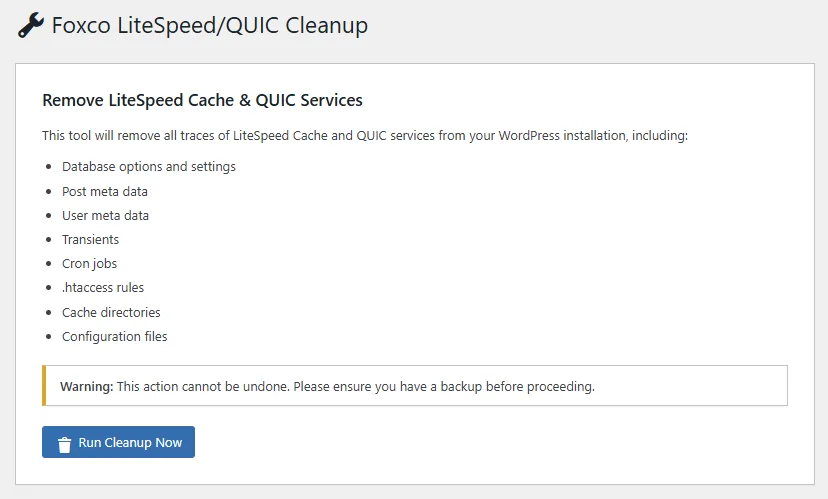
Click here or the image below to download the plugin.